Cybersecurity is changing rapidly. Employees now work from offices, homes, cafes, and other locations. They use laptops, smartphones, tablets, and cloud applications to access company resources. Because of this, simply protecting the company network with a strong firewall is no longer enough.
For example: Imagine your company has a huge office with a security guard standing at the front door. Once you get inside, nobody checks you again. You can walk into almost any room because getting through the front door means you’re trusted. That was roughly how traditional network security worked: get inside the network, and you’re trusted.
But what happens when employees start working from home, their laptops are everywhere, data is stored in the cloud, and applications are delivered through SaaS platforms?
Traditional security → You’re inside, so we trust you.
Zero Trust –> You’re inside, but prove you’re allowed.
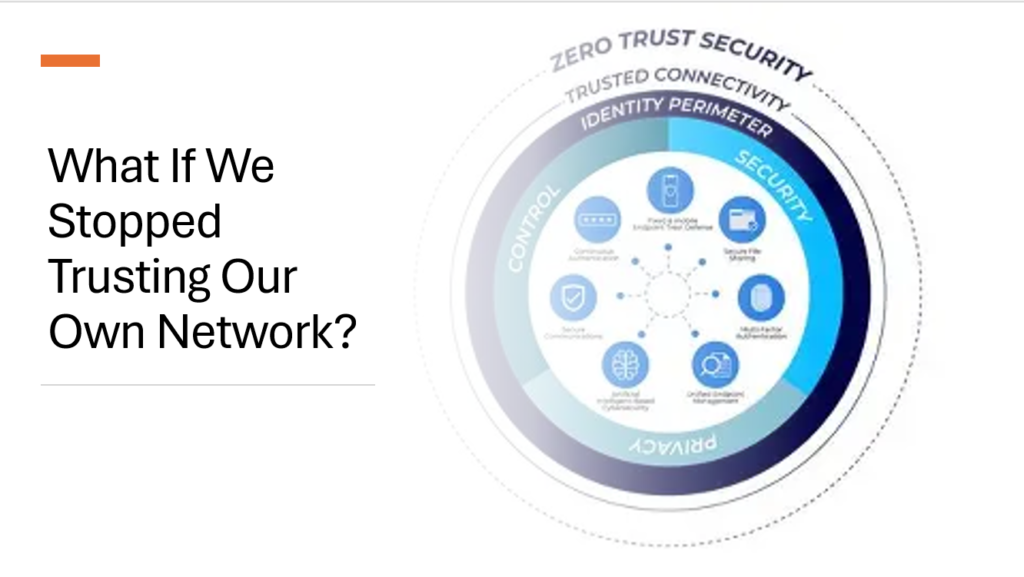
The old idea of simply protecting the network perimeter starts to break down. Attackers aren’t necessarily trying to break through the front door anymore; they’re trying to steal someone’s identity and walk in as them. That’s where Zero Trust changes the game: never assume trust, and continuously verify who and what is accessing your resources.
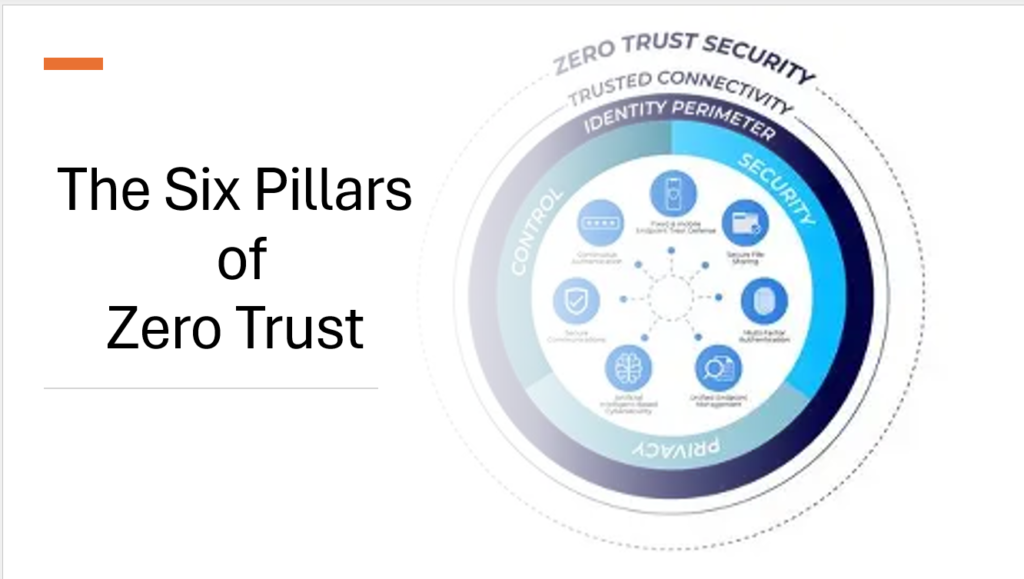
Zero Trust is based on a simple idea: Never trust automatically. Always verify.
Instead of assuming that everything inside a company network is safe, Zero Trust treats every user, device, application, and connection as potentially risky. Access is granted only after the request has been properly verified.
But Zero Trust is not a single Microsoft product. It is a complete security strategy that brings together identity, devices, applications, data, infrastructure, and networks. Microsoft 365 supports this approach through services such as Microsoft Entra ID, Microsoft Intune, Microsoft Defender, Microsoft Purview, and Microsoft Sentinel.
There are four major reasons why organizations are moving toward Zero Trust:
- IT security has become more complex. Organizations use more applications, devices, cloud services, and third-party platforms than ever before.
- The traditional trusted network model has limitations. Once an attacker gets inside the network, they may be able to move from one system to another.
- Company resources are no longer kept inside one network. Applications and data are increasingly hosted in the cloud and accessed from different locations.
- Attackers increasingly target identities. Instead of breaking through a firewall, attackers often try to steal usernames, passwords, session tokens, or other credentials.
The Three Core Principles of Zero Trust
1. Verify Explicitly
In simple terms, don’t automatically trust someone just because they have the correct username and password or because they are connected to the company network. Every access request should be evaluated using as much information as possible. For example, security systems can consider:
- Who is the user?
- What device are they using?
- Is the device secure and compliant?
- Where is the user connecting from?
- What application are they trying to access?
- Is the request unusual?
- Does the sign-in appear risky?
This can be achieved using the following Microsoft Technologies:
Conditional Access
One of the key Microsoft 365 technologies for implementing this principle is Conditional Access in Microsoft Entra ID.
- Conditional Access allows administrators to create rules that determine when users can access company resources. For example, an organization could create a rule that says: “Allow access to SharePoint only when the user completes MFA and is using a compliant device.”
- Conditional Access can also control what users are allowed to do after they sign in. For example, a contractor may be allowed to view a sensitive document but prevented from downloading or copying it.
Risk-Based Authentication and MFA
Another important part of Zero Trust is risk-based authentication. Microsoft Entra ID can analyse sign-in activity and identify unusual behaviour.
For example, imagine a user normally signs in from Delhi, but a few minutes later there is another sign-in from a completely different country. This could be a sign that the account has been compromised. The system can evaluate signals such as: Unusual locations, Unfamiliar devices, Suspicious sign-in behaviour, known compromised credentials and Other indicators of risk depending on the situation, Microsoft can require additional verification, such as Multifactor Authentication (MFA), or block the sign-in.
Why MFA Matters?
Passwords alone are no longer enough to protect important accounts.MFA adds another layer of protection by asking users to provide an additional form of verification. This could include:
- A Microsoft Authenticator approval
- A fingerprint or biometric check
- A security key
- Windows Hello
- Other passwordless authentication methods
The goal is not to make users perform extra security checks every time they sign in. Instead, Zero Trust aims to apply additional security when the situation actually looks risky.
For example : a user signing in from their normal laptop and location may have a smooth experience. The same user signing in from an unknown device in an unusual location may be asked to complete MFA. This provides a good balance between security and convenience.
2. Least-Privilege Access
The idea is straightforward: Give users only the access they actually need. Employees don’t need access to every system, application, or piece of data in an organization. For example, a helpdesk employee may need permission to reset passwords, but they don’t necessarily need permission to read everyone’s emails.By limiting permissions, organizations reduce the damage an attacker can cause if an account is compromised.
Role-Based Access Control
Role-Based Access Control (RBAC) helps organizations manage permissions based on job responsibilities.Instead of giving individual users random permissions, administrators can assign predefined roles.
For example:
- A security analyst receives security-related permissions.
- A finance employee receives access to financial applications.
- A global administrator receives highly privileged administrative access.
This makes access easier to manage and reduces the risk of giving people unnecessary permissions.
Privileged Identity Management
Highly privileged accounts are particularly attractive to attackers. A compromised global administrator account, for example, could give an attacker access to a large part of an organization’s environment.
Microsoft Entra Privileged Identity Management (PIM) helps reduce this risk by supporting just-in-time access. Instead of allowing an administrator to remain highly privileged all day, they can request elevated permissions only when they actually need them.
For example: An administrator needs to change a Conditional Access policy.They request temporary administrator privileges, complete the task, and then the elevated permissions are removed.The request can also require approval and be recorded for auditing.This significantly reduces the amount of time that powerful permissions remain active.
3. Assume Breach
This may sound negative, but it is an important change in security thinking. Instead of assuming:“Our security is strong, so attackers won’t get in.” Zero Trust assumes:“An attacker may already be inside, or they may get inside eventually. What happens next?”
This mindset encourages organizations to focus not only on preventing attacks but also on detecting, containing, and responding to them quickly. Organizations can use tools such as Microsoft Defender and Microsoft Sentinel to monitor activity and identify suspicious behavior.
Microsoft Defender for Endpoint
Microsoft Defender for Endpoint helps protect devices such as laptops and desktops. It can detect suspicious activities such as:
- Ransomware behavior
- Unusual processes
- Lateral movement
- Privilege escalation
- Other signs of compromise
If a device appears compromised, security teams can investigate it and, when appropriate, isolate the device to prevent the threat from spreading.
Microsoft Sentinel
Microsoft Sentinel works as a cloud-based security information and event management platform. It can bring security information together from different systems and help security teams identify connections between events.
For example, consider this situation:
- An employee receives a phishing email.
- The employee accidentally provides their credentials.
- An attacker uses those credentials to access the account.
- The attacker attempts to access other resources.
Instead of investigating each event separately, security teams can use centralized security information to understand the bigger picture. Automated workflows can also help security teams respond quickly to certain threats.
Microsoft Defender for Identity
Identity attacks are a major concern, particularly in organizations that use both cloud and on-premises systems.
Microsoft Defender for Identity monitors identity-related activity and can help detect suspicious techniques such as credential theft and lateral movement. This is especially useful for organizations operating hybrid environments where traditional infrastructure and cloud services work together
Hope you found this helpful.
Thankyou